 Written by
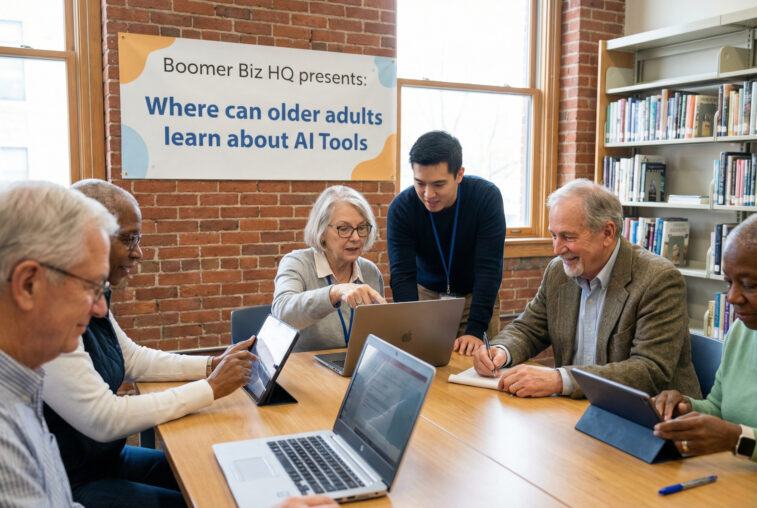
 Where can older adults learn about AI writing tools is important to me, these writing tools can be a big part of our success in preparing for our retirement income.
Affiliate Disclosure
Amazon + Wealthy Affiliate + Friends
Jeffs Promise To You
You will never find any affiliate links in any of my step-by-step guides on any of my websites, I feel that my guides are to educate you, not push products & services at you.
Affiliate Disclosure: Some of the links on this website may be affiliate links. This means that if you click a link and make a purchase, I may earn a small commission at no extra cost to you. These commissions help support 65 Plus Life, Boomer Biz HQ, and Dawg Solutions. so I can continue creating free resources for older adults.
Amazon Disclosure: As an Amazon Associate, I earn from qualifying purchases. Any Amazon links used throughout this website may earn a commission when you purchase through them.
Wealthy Affiliate Disclosure: I am also a proud affiliate of Wealthy Affiliate. If you choose to join their platform through my referral link, I may earn a commission. I only recommend Wealthy Affiliate because it has personally helped me build websites and create income online, and I believe it can help other older adults learn these skills too.
Thank you for supporting my work — it truly means a lot.
Jeff
Why Learning AI Writing Tools Matters for Retirement Income
AI writing tools can help older adults:
- Write blog posts, emails, ebooks, or social posts faster
- Create content for freelance writing, consulting, coaching, or small businesses
- Save time and reduce frustration with “starting from scratch”
You don’t need to be tech-savvy. You just need the right places to learn, at your own pace.
1. Beginner-Friendly AI Platforms (Learn by Doing)

Many AI tools teach you as you use them.
Good starting points:
- OpenAI’s ChatGPT – Ask questions in plain English, practice writing emails, articles, or ideas
- Built-in examples and suggestions (no manuals required)
ChatGPT is one of my favorite AI writing tools to use for my articles on all of my websites, another one I use regularly is Gemini.
Why this works for older adults:
- No complicated setup
- You learn by asking questions, just like talking to a person
- Immediate results build confidence fast
Jeffs Tip for readers: Start by asking:
“Help me write a short article about my hobby for people my age.”
2. Online Learning Platforms with Step-by-Step Courses

If you prefer structured learning, these platforms shine.
Popular options:
- Udemy – One-time purchase courses (no subscription pressure)
- Skillshare – Short lessons, beginner friendly
- Coursera – University-style instruction (great for lifelong learners)
What to look for:
- “Beginner” or “No experience required”
- Clear examples (emails, blogs, simple content)
- Real-world uses, not tech jargon
3. YouTube Channels That Explain AI in Plain English
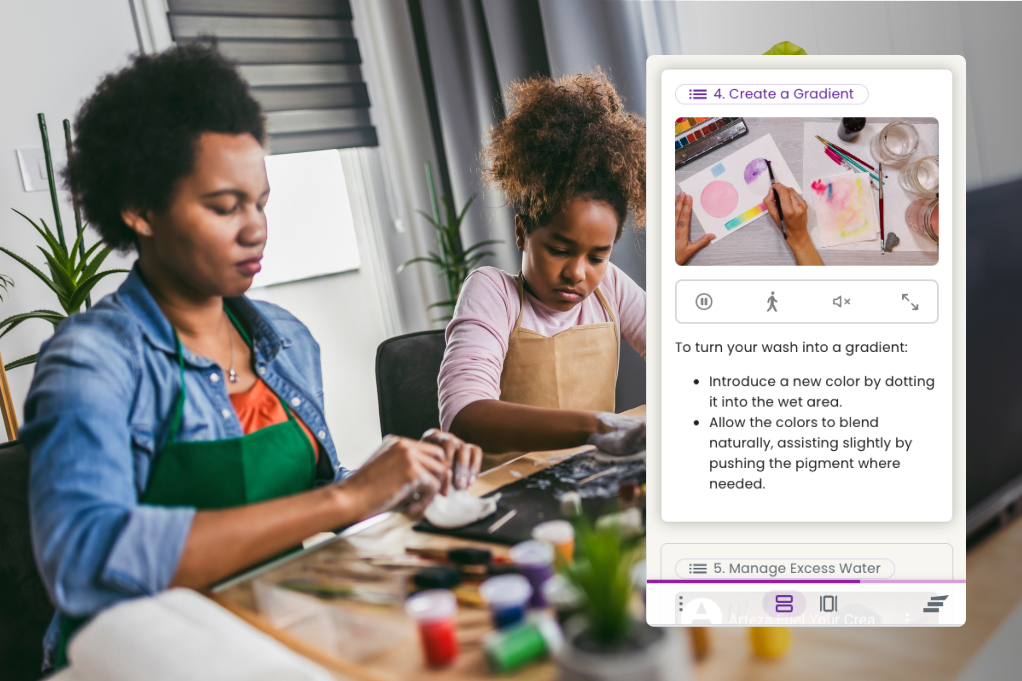
YouTube is free and perfect for visual learners.
Why YouTube works well:
- Pause, rewind, and rewatch anytime
- Watch someone click the buttons before you try
- Learn without pressure
Jeffs Tip
Search phrases like:
- “AI writing tools for beginners”
- “ChatGPT explained simply”
- “AI for small business owners”
Encourage them to watch first, try later—no rush.
4. Community Colleges & Adult Education Programs
Many community colleges now offer:
- Short workshops on AI and digital tools
- Adult education or senior learning programs
- In-person help for those who prefer hands-on learning
Why this is powerful for older adults:
- Slower pace
- Real instructors you can ask questions
- Often low-cost or free
Encourage readers to check:
- Local community colleges
- Public libraries
- Senior centers
5. Blogs, Newsletters & Communities for Ongoing Learning

Learning doesn’t stop after one class.
Great ongoing resources include:
- Blogs focused on AI for everyday people
- Email newsletters that share simple tips
- Online communities (Facebook groups, forums)
This is where confidence grows—seeing other people their age learning and succeeding.
How This Helps Build Retirement Income
Tie it directly to income (this is key for your audience):
AI writing tools can support:
- Freelance writing or editing
- Blogging for affiliate income
- Email newsletters
- Digital products (guides, checklists, ebooks)
- Coaching, consulting, or service businesses
AI doesn’t replace experience—it amplifies it.
Jeffs Tip
You might end with something like:
You don’t have to master AI. You just have to take the first small step.
Learning one simple tool today could open the door to new income opportunities tomorrow
How older adults can use AI writing tools without feeling overwhelmed
Step 1) Pick ONE tool to start (keep it simple)
For beginners, I recommend starting with one of these:
- ChatGPT (OpenAI) — great all-purpose writing help.
- Microsoft Copilot — helpful if you already use Microsoft Word/Outlook.
Jeffs Tip
Don’t sign up for 5 tools. Pick one and get comfortable first.
Step 2) Decide what you want to write (choose a “small win”)
AI works best when the job is clear. Start with something practical, like:
- An email to a client or friend
- A short Facebook post
- A product description
- A “tip list” blog post
- A simple one-page checklist freebie
Step 3) Use this easy prompt formula (it’s the secret)
A good prompt includes:
- Goal (what you want written)
- Audience (who it’s for)
- Tone (friendly, professional, simple, etc.)
- Details (what must be included)
This matches Microsoft’s recommended prompt structure (goal + context + expectations + source).
Copy/paste prompt you can use:
“Write a [type of writing] about [topic].
My audience is [who].
Use a [tone] tone.
Include these points: [bullets].
Keep it around [length].”
Step 4) Ask the tool to ask YOU questions (this reduces frustration)
If you don’t know what to include, tell them to use:
“Before you write, ask me 5 questions to get the details you need.”
This is huge for beginners because it removes the “blank page” feeling.
Step 5) Get a first draft, then improve it in 2–3 simple rounds
Draft → Revise → Polish”
Round 1: Improve clarity
“Rewrite this to be clearer and easier to understand for someone age 60+.”
Round 2: Make it sound like me
“Make this sound warm and natural, not robotic. Keep my meaning the same.”
Round 3: Tighten it up
“Cut this by 25% without losing the important points.”
Step 6) Add your personal experience (this is what makes it valuable)
AI can draft—but your experience is what builds trust.
Encourage them to add:
- A short story
- A lesson learned
- A recommendation
- A warning about mistakes to avoid
Step 7) Do a quick “safety & accuracy check”
AI can sometimes be confidently wrong.
Use this prompt:
“List any claims in this text that should be fact-checked. If you’re unsure, say so.”
Step 8) Save your best prompts (so you don’t start over every time)
You can keep a simple “Prompt Notebook” in:
- Notes app
- Google Doc
- A notebook by the computer
Jeffs Tip
Over the years I have formed the habit of saving anything that might be important for the future in Google Docs , that is just my favorite place to save my prompts.
Jeffs Favorite Learning Resources that are Safe, Beginner-Friendly
Best “made for older adults” training
- Senior Planet from AARP – AI Resources (free classes + events)
- AARP local/virtual “Intro to Chatting with AI” events (often free)
Best structured beginner course (step-by-step)
Best prompt help (practical and simple)
- Microsoft: Learn about Copilot prompts (helpful even if you don’t use Copilot)
- Microsoft Copilot Prompts Gallery (ready-to-use examples)
Best “getting started” workshop for older adults
- OpenAI Academy event: AI for Everyday Living (beginner workshop for older adults)
Bonus: 5 copy/paste prompts for retirement-income content
- Blog post
“Write a 700-word blog post for older adults about [topic]. Use a friendly, encouraging tone and short paragraphs.”
- Affiliate product intro
“Write a helpful introduction to this product for beginners: [paste product info]. Include who it’s best for and 3 benefits.”
- Email newsletter
“Write a short newsletter (250–350 words) with 1 tip, 1 personal note, and a simple call-to-action.”
- Freebie/checklist
“Create a one-page checklist: ‘[title].’ Keep steps simple and beginner-friendly.”
- Social post
“Write 3 Facebook posts about [topic] for adults 55+. Friendly tone. End with a question to encourage comments.”
Common Questions Older Adults Ask About Learning AI Writing Tools
1. What exactly is an AI writing tool?
An AI writing tool is software that helps you draft, rewrite, or improve writing. You type in what you want help with, and the tool responds with suggestions or a draft you can edit.
Think of it as a writing assistant, not a replacement for your ideas or experience.
2. Do I need to be “good with computers” to use AI writing tools?
No. If you can:
- Type
- Read email
- Use Facebook or Google
You can use AI writing tools.
Many older adults start with OpenAI’s ChatGPT because it works like a conversation—you just type what you want in plain English.
3. Is it too late for me to learn this at my age?
Absolutely not.
In fact, older adults often do better with AI writing tools because:
- You have life experience
- You understand your audience
- You know what sounds real vs. fake
AI helps with speed and structure—but your wisdom is the real value.
4. Will AI replace writers or take away jobs?
AI doesn’t replace people—it replaces blank pages and busywork.
For retirement income, AI can help you:
- Write faster
- Get unstuck
- Polish ideas you already have
People still want real stories, real opinions, and real experience—and that’s something AI doesn’t have.
5. Is using AI for writing considered cheating or dishonest?
No. Using AI is like using:
- Spellcheck
- A calculator
- A grammar tool
As long as you:
- Review what it writes
- Add your own voice
- Make sure it reflects your beliefs
You’re using AI ethically and responsibly.
6. How much does it cost to use AI writing tools?
Many tools have free versions that are more than enough for beginners.
For example:
- ChatGPT has a free plan
- Libraries, senior centers, and programs like AARP often offer free classes and workshops
- Google Gemini is also another free AI writing tool I recommend
You can learn a lot before ever spending a dime. Once you find the best ai writing tool for you, then you can upgrade if its within your spending budget.
7. What can I realistically use AI writing tools for?
Older adults commonly use AI to:
- Write blog posts
- Create email newsletters
- Draft ebooks or guides
- Write social media posts
- Create product descriptions
- Brainstorm business ideas
If it involves words, AI can help.
8. What if the AI writes something that sounds wrong or confusing?
That’s normal—and expected.
You can simply say:
“Rewrite this in simpler language for someone age 60+.”
Or:
“Make this sound warmer and more conversational.”
You are always in control. AI works for you, not the other way around.
9. Can AI make mistakes or give wrong information?
Yes. AI can sometimes sound confident even when it’s wrong.
That’s why we recommend:
- Using AI for writing help, not legal or medical advice
- Fact-checking important claims
- Relying on your judgment and experience
Jeffs Tip
If it matters, double-check it before publishing your article
10. Is my information safe when I use AI tools?
AI tools are generally safe for everyday writing, but you should never share:
- Social Security numbers
- Bank account details
- Passwords
- Personal medical or legal documents
Stick to general writing tasks and ideas.
11. What’s the best way to start without feeling overwhelmed?
Start small.
Your first goal is not mastery—it’s confidence.
A great first prompt:
“Help me write a short, friendly paragraph about my experience with [topic].”
One success builds momentum.
12. Where can older adults get help if they get stuck?
Excellent places include:
- Free workshops and virtual classes from AARP
- Community college adult education programs
- Public libraries
- Online beginner videos and guides
- Communities like Boomer Biz HQ
You don’t have to figure this out alone, I created this website for a place where you can come to learn from my articles.
Jeff Shares

Learning about AI writing tools isn’t about keeping up with technology or trying to become something you’re not. It’s about giving yourself another helpful tool—one that can save time, spark ideas, and make writing feel less stressful.
Retirement Income Planning
If you’re preparing for retirement income, AI can support what you already know and do well. Your experience, common sense, and perspective still matter most. AI simply helps you get your ideas out of your head and onto the page more easily.
There’s no deadline. No pressure. And no “right” way to learn—only the way that feels comfortable for you.
Start Here If You’re Nervous About AI
If AI feels intimidating, that’s completely normal. Many older adults feel the same way at first. Try this simple approach:
1. Start with curiosity, not commitment
You don’t have to sign up for anything or pay for anything today. Just explore and see what AI looks like.
2. Begin with one small question
Open OpenAI’s ChatGPT and type something simple, like:
“Can you help me write a short paragraph about something I enjoy?”
That’s it. No special language required.
3. Treat it like a rough draft helper
You’re not handing over control. You’re just asking for a starting point. You decide what stays, what changes, and what gets deleted.
4. Take breaks and go at your own pace
You don’t need to learn everything at once. Even 10 minutes of experimenting is progress.
5. Remember—you can’t break anything
There’s no way to “mess this up.” You’re simply typing words into a box and seeing what comes back.
You Can Do This
You don’t need to be tech-savvy to use AI writing tools. You don’t need perfect grammar. And you don’t need to understand how AI works behind the scenes.
If you can share a thought, tell a story, or explain something you’ve learned in life, you already have what AI needs to help you.
Start small. Stay curious. And take comfort in knowing that many people your age are learning this too—one simple step at a time.
You’ve got this.
Jeff/ Boomer Biz News
Boomer Biz HQ Shares
At Boomer Biz HQ, our mission is to help older adults prepare for retirement income with clarity, confidence, and real-world understanding. We believe that informed readers make better decisions—especially when it comes to learning new tools, exploring income ideas, and protecting themselves from costly mistakes.
Thank you for reading ” Where Can Older Adults Learn About AI Writing Tools”,
Jeff
Affiliate Disclosure
Amazon + Wealthy Affiliate + Friends
Jeffs Promise To You
You will never find any affiliate links in any of my step-by-step guides on any of my websites, I feel that my guides are to educate you, not push products & services at you.
Affiliate Disclosure: Some of the links on this website may be affiliate links. This means that if you click a link and make a purchase, I may earn a small commission at no extra cost to you. These commissions help support 65 Plus Life, Boomer Biz HQ, and Dawg Solutions. so I can continue creating free resources for older adults.
Amazon Disclosure: As an Amazon Associate, I earn from qualifying purchases. Any Amazon links used throughout this website may earn a commission when you purchase through them.
Wealthy Affiliate Disclosure: I am also a proud affiliate of Wealthy Affiliate. If you choose to join their platform through my referral link, I may earn a commission. I only recommend Wealthy Affiliate because it has personally helped me build websites and create income online, and I believe it can help other older adults learn these skills too.
Thank you for supporting my work — it truly means a lot.
Jeff
- Best Kindle Ebooks For Retirement Income GuideBest Kindle eBooks for retirement income guide is one of the most budget-friendly income opportunity. This is a low-investment which makes it budget-friendly, and with this guide you have a step-by-step process to follow for ultimate success. Affiliate Disclosure Amazon + Friends Affiliate Disclosure: Some of the links on this website may be affiliate links. … Continue reading “Best Kindle Ebooks For Retirement Income Guide”
- What Are Facebook Safety Tips For SeniorsWhat are Facebook safety tips for seniors. Learn how to stay safe while on Facebook without fear of losing your personal information. Older adults are targeted by scammers online platroms like Facebook, but we are going to help you stay safe online. Affiliate Disclosure Amazon + Friends Affiliate Disclosure: Some of the links on this … Continue reading “What Are Facebook Safety Tips For Seniors”
- Discover How To Avoid Social Security MistakesHow to avoid social security mistakes everyone needs to know. Planning for retirement can be overwhelming for many of us, but with my step-by-step guide you will be more confident and prepared. Affiliate Disclosure Amazon + Friends Affiliate Disclosure: Some of the links on this website may be affiliate links. This means that if you … Continue reading “Discover How To Avoid Social Security Mistakes”
- How To Join Facebook Groups For Retirees Made EasyHow to join Facebook groups for retirees made easy with simple steps. Many platforms lack being senior-friendly for the majority of older adults like you and me, so if you are interested I have written this senior-friendly guide just for you. Affiliate Disclosure Amazon + Friends Affiliate Disclosure: Some of the links on this website … Continue reading “How To Join Facebook Groups For Retirees Made Easy”
- Discover How Do I Know If I Need Medicare AdvantageHow do I know if I need Medicare Advantage many of us wonder about, since many of you preparing for retirement need to know this before you retire, I am going to help you understand Medicare and Medicare Advantage better. Affiliate Disclosure Amazon + Friends Affiliate Disclosure: Some of the links on this website may … Continue reading “Discover How Do I Know If I Need Medicare Advantage”


























Hello!
This was really easy to read, which I appreciate, because AI can feel like a whole other language sometimes. I like how you broke it down in a way that doesn’t make older adults feel behind or out of place for wanting to learn something new. It honestly reminded me that a lot of people just need a calm starting point, not another tech-heavy explanation. Do you think most beginners do better learning through short videos, or is something more hands-on less intimidating at first? And once someone learns the basics, what actually helps them stick with it instead of giving up after a week or two? This definitely feels like something I could pass along to family members who’ve been curious but hesitant.
Angela M 🙂
Thank you Angela
I appreciate you taking the time to share and ask questions. Everyone no matter their age has a preferred method of learning, some do better watching videos while other excel with step-by-step guides or how to tutorials.
Jeff